
Carrd Newsletter Landing Page Templates
Craft stunning, customizable newsletter landing pages, with a professionally designed Carrd template.
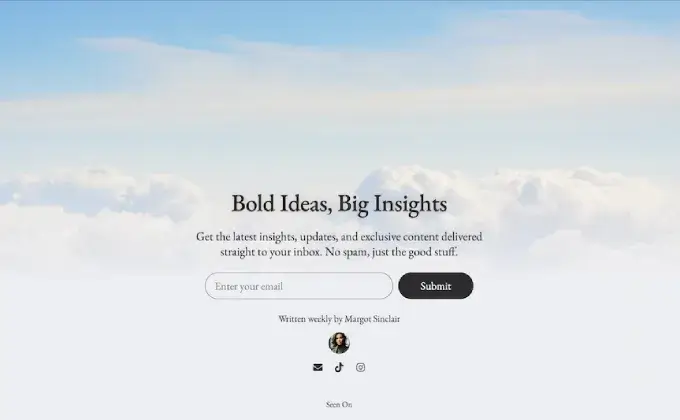
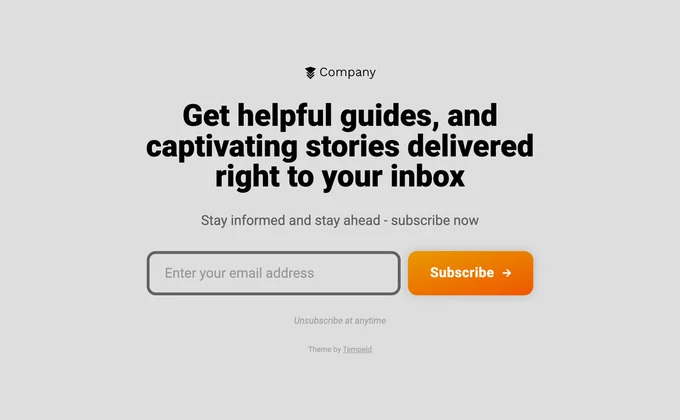
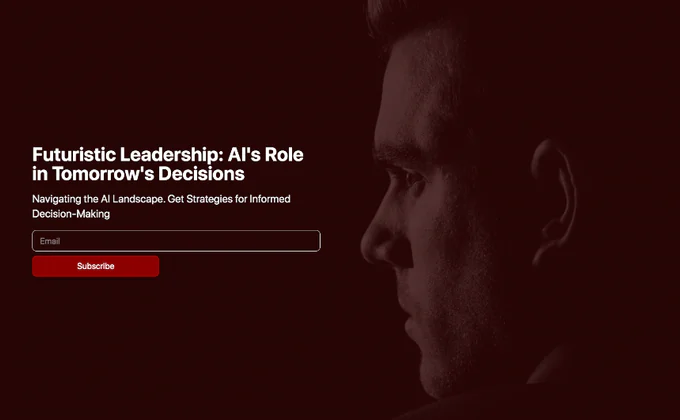
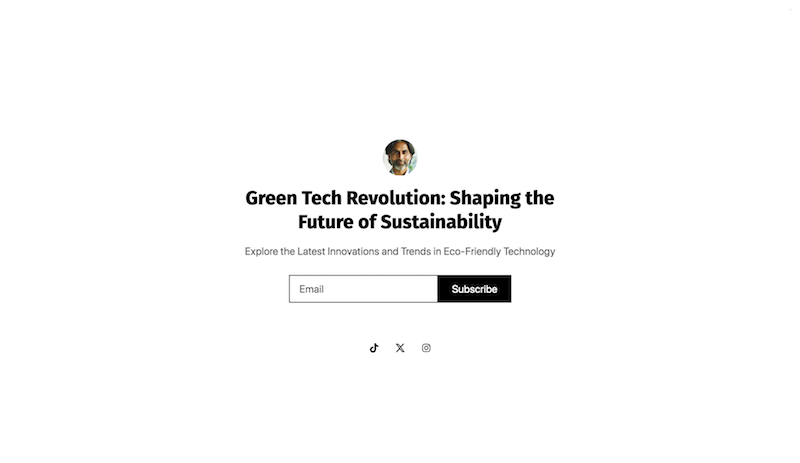
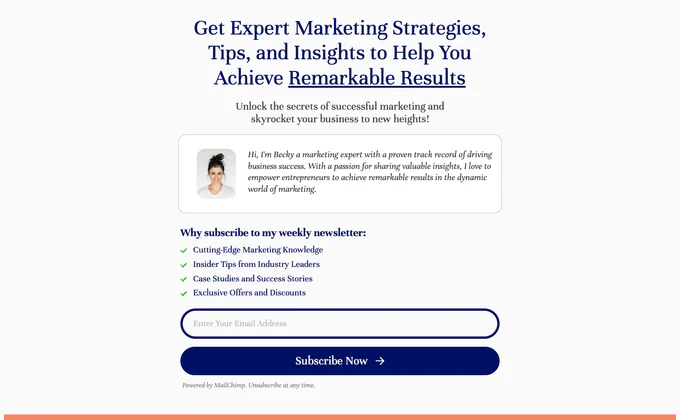
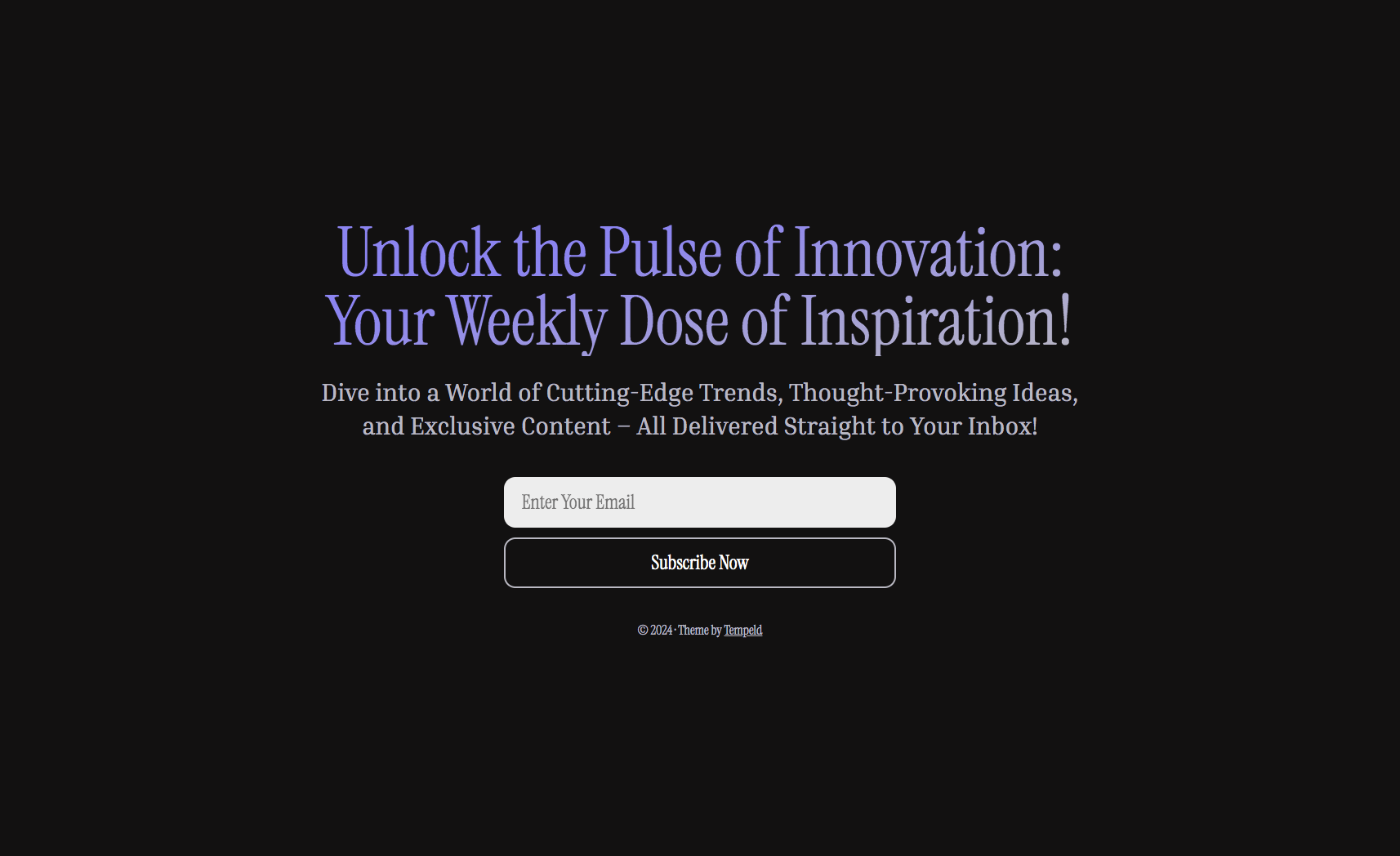
Newsletter Landing Page Templates for Carrd
A great newsletter deserves a great landing page. These Carrd templates are designed for one thing: turning visitors into subscribers. Every layout, section, and design choice is built around getting people to enter their email address and hit subscribe. Browse our full collection of all Carrd templates or explore our free Carrd templates and portfolio Carrd templates.
I’ve built newsletter landing pages for various projects over the years, and the pattern is always the same — simplicity wins. The fewer distractions between your visitor and the signup form, the higher your conversion rate. These templates embrace that principle.
Why Your Newsletter Needs a Dedicated Landing Page
Sending people to a generic website and hoping they find the subscribe form buried in a sidebar doesn’t work. A dedicated landing page gives you a focused URL to share on social media, podcast appearances, guest posts, cross-promotions, and anywhere else you’re promoting your newsletter.
It also gives your newsletter its own identity. When someone lands on a purpose-built page that explains what your newsletter is about, how often you publish, and what value they’ll get, they’re far more likely to subscribe than if they stumble onto a cluttered homepage with 15 competing calls to action.
Who These Templates Are For
These templates are built for newsletter creators, indie publishers, content creators, journalists, bloggers, and anyone building an email audience. Whether you’re running a Substack, Beehiiv, ConvertKit, Buttondown, or Mailchimp newsletter, these landing pages integrate with your platform through Carrd’s form integrations or simple embed codes.
They’re particularly useful for newsletter operators who want a branded landing page outside of their email platform’s default page. Substack and Beehiiv both give you a homepage, but they look like every other newsletter on the platform. A custom Carrd landing page helps you stand out.
What Makes These Templates Convert
Every newsletter template in this collection follows proven conversion principles. The signup form is prominent and above the fold. The value proposition is clear and specific. Social proof — subscriber counts, testimonials, notable mentions — is positioned to build trust right before the signup form.
The layouts are intentionally minimal. There’s no navigation bar pulling people away from the page. No links to blog posts or social profiles competing for attention. The entire page funnels toward one action: subscribe.
I’ve also designed these templates to handle the “what will I get?” question immediately. Each template includes space for content previews, publication frequency, and a clear description of your newsletter’s focus. The more specific you are about what subscribers receive, the higher your conversion rate.
Connecting to Your Email Platform
Carrd’s form element integrates directly with Mailchimp, ConvertKit, Buttondown, Revue, and other email platforms. For platforms like Beehiiv and Substack, you can use their embed codes within Carrd’s embed element. Either approach works well and takes just a few minutes to set up.
If you’re using a platform that Carrd doesn’t natively integrate with, you can use Carrd’s webhook feature or connect through Zapier to route signups to virtually any email tool.
How to Choose the Right Newsletter Template
Think about your newsletter’s personality. A professional business newsletter about finance or tech might want a clean, authoritative look. A personal newsletter about culture or lifestyle might suit something warmer and more expressive. A niche technical newsletter might benefit from a minimal, developer-style aesthetic.
Also consider what social proof you have available. If you’ve got impressive subscriber numbers, choose a template that prominently displays them. If you have great testimonials from readers, pick one with a dedicated testimonial section. If you’re just starting out, go with a template that emphasizes your content quality and publishing consistency over vanity metrics.
FAQ
Can I embed a Substack or Beehiiv signup form?
Yes. Use Carrd’s embed element to drop in the signup form code from your email platform. This way, new subscribers go directly into your email list without any extra steps.
Do these templates work with Mailchimp?
Yes. Carrd has a native Mailchimp integration for its form element. Just connect your Mailchimp account and select your list. Signups flow directly into Mailchimp.
Should I use this instead of my Substack/Beehiiv homepage?
You can use both. Many newsletter creators use their platform’s built-in page for organic search traffic and archive browsing, while using a custom Carrd landing page as their primary link for social media bios, ads, and cross-promotions.
Can I show past newsletter issues on the landing page?
You can link to past issues or embed preview content, but Carrd isn’t designed to host a full newsletter archive. Use your email platform’s archive feature for that and link to it from your Carrd landing page.
What’s the best way to increase signups?
Be specific about what subscribers get. “Join my newsletter” converts poorly. “Get one actionable marketing tip every Tuesday morning” converts well. Use these templates to communicate your newsletter’s unique value as clearly as possible.