
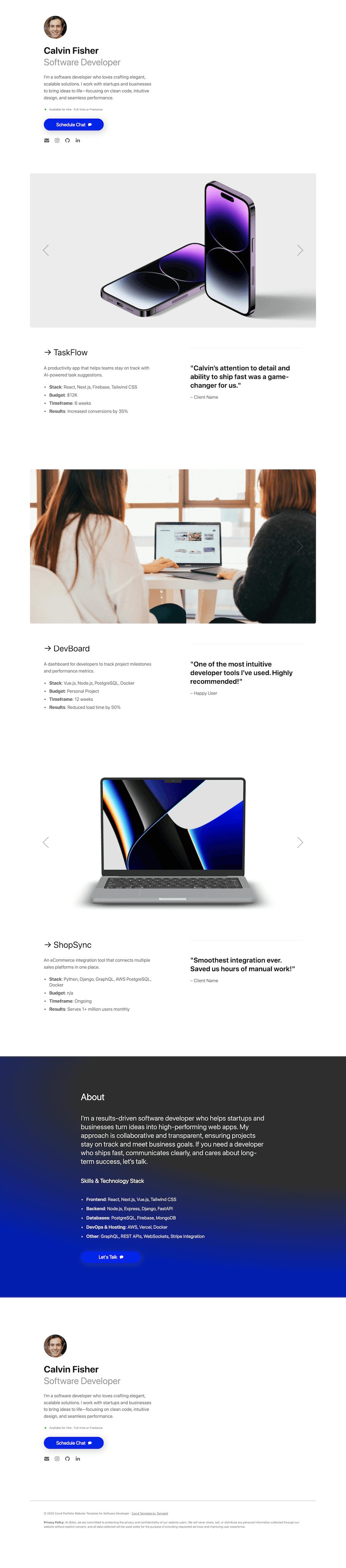
About Terminal
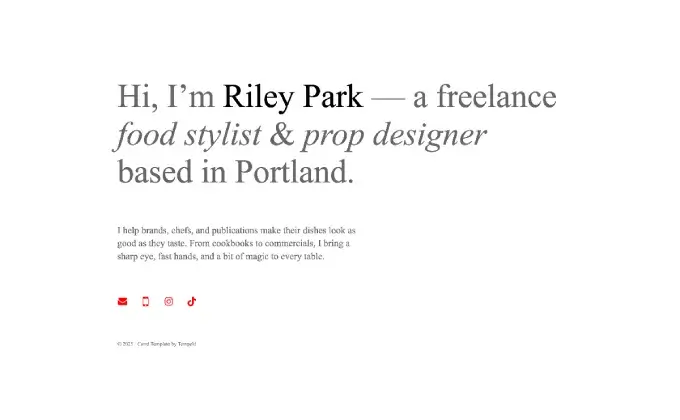
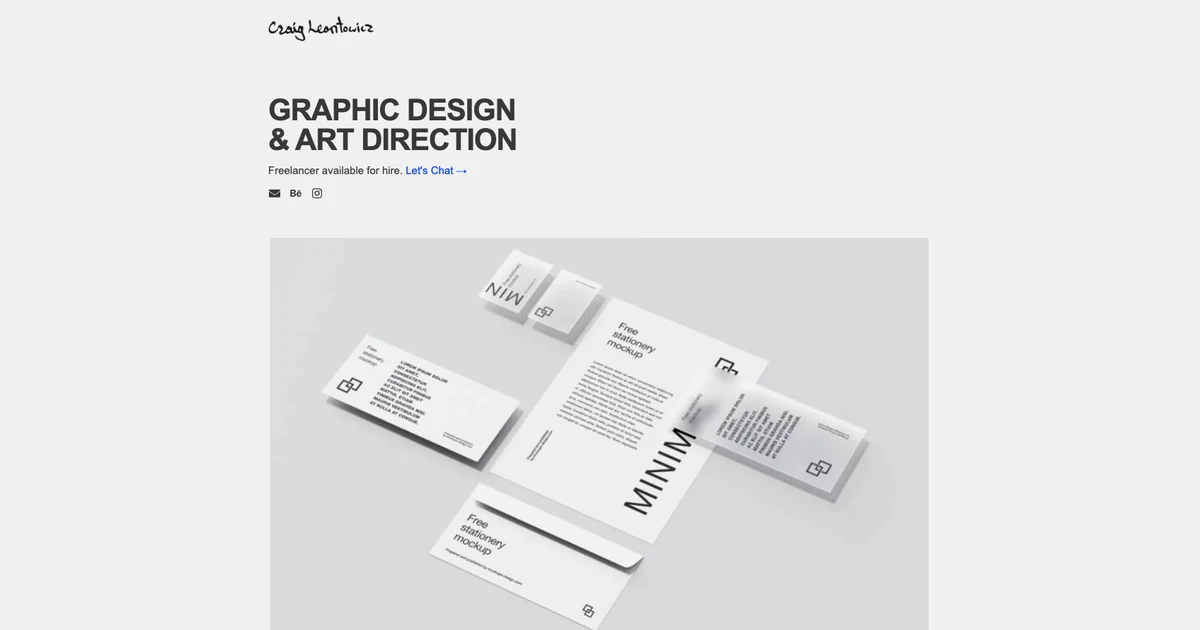
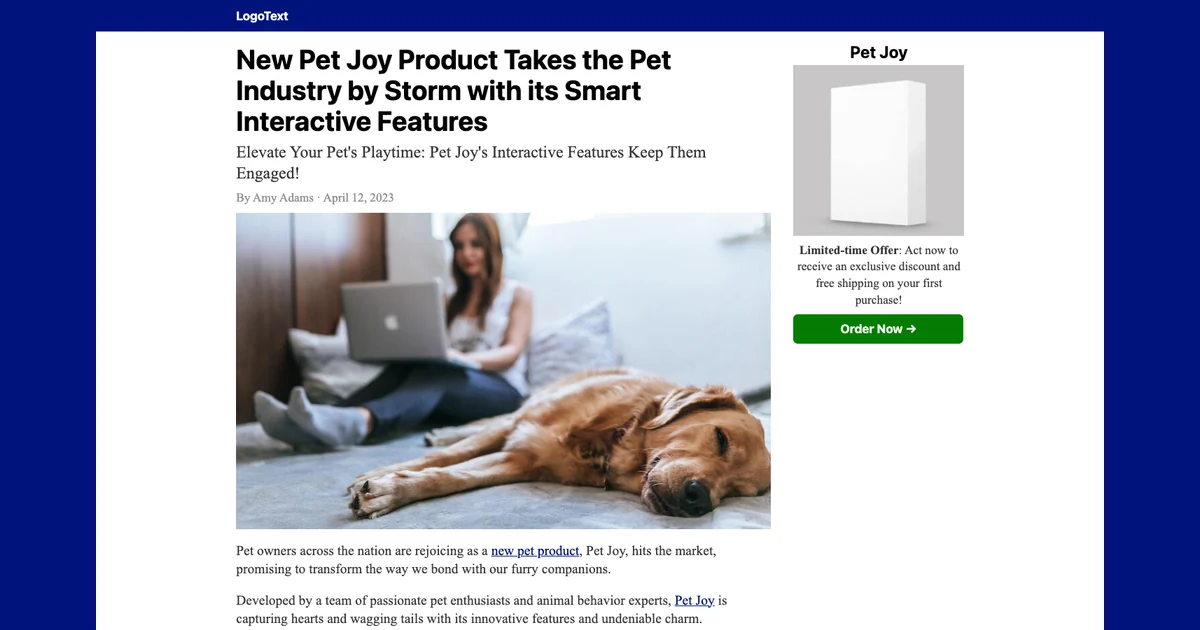
This Carrd portfolio template is perfect for software developers, engineers, and freelancers looking to create an impressive online presence and attract potential clients or employers. Terminal provides an engineering-centric layout that emphasizes real technical capability: a clear personal summary, categorized tech stack icons, detailed project case studies with GitHub and live demo links, and direct calendar booking buttons. Stop losing work to generic resumes with a portfolio built for developers.
What's Included
- Developer hero with name, engineering focus, availability badge, and contact links
- Tech stack grid categorizing languages, frameworks, databases, and DevOps tools
- Featured projects section with architecture highlights, tech tags, and links
- About narrative covering engineering philosophy and career experience
- Client testimonials and peer recommendations
- Services and freelance consulting packages with pricing guide
- Schedule chat call-to-action linking to Calendly or SavvyCal
- Footer with GitHub, LinkedIn, X, and email links
- Structured project case studies highlighting stack, budget, and live outcomes
- Tech stack pill badges covering modern frontend, backend, and cloud technologies
- Direct calendar booking buttons for recruiting screening calls and client discovery
- Clean high-contrast theme emphasizing readability and technical authority
- Carrd plan needed
- Pro Lite ($9/year)
- Sections
- 8
- Forms
- None
- Embeds
- None
- Mobile
- Responsive
- Updated
- 2026-09-24
Who It's For
- Full-stack, frontend, and backend software engineers
- Freelance developers seeking client contracts and consulting gigs
- Bootcamp graduates and computer science students entering the job market
- Open-source maintainers wanting a personal developer portal
Carrd Plan Needed
Terminal works on Carrd Pro Lite ($9/year) using static project cards and external links. If you wish to connect your own domain (e.g. yourname.dev), Carrd Pro Standard ($19/year) is required.
How to Get and Use Terminal
- Click Buy Terminal to go to Carrd's secure checkout.
- Sign in to Carrd, or create a free account if you don't have one yet.
- After checkout, Terminal is automatically added to your Carrd dashboard templates.
- From your Carrd dashboard, choose New Site, then select Terminal from your templates.
- If you are not on Pro Lite yet, upgrade or start the 7-day free trial.
- Swap in your text, images, and links, then click Publish.
What is Carrd?
Carrd is a simple, free, fully responsive one-page website builder for pretty much anything. It offers a free tier for basic sites, Pro Lite from $9/year for custom templates, and Pro Standard ($19/year) to add custom domains, forms, widgets, and embeds. Learn more in our guide on why use Carrd, or get started with Carrd.
Terminal FAQ
You need at least Carrd Pro Lite ($9/year) to use custom templates. Carrd Pro Standard ($19/year) is required for custom domains like yourname.dev.
Yes. You can duplicate existing project blocks and insert custom screenshots, GitHub links, and live demo buttons.
Yes. You can either link buttons to your Calendly URL on Pro Lite, or embed the live calendar widget using Carrd Pro Standard.
Yes. You can use Terminal on unlimited personal and commercial client sites.